

 Ubiquiti, Araknis and TP-Link networks
Poor Wi-Fi is one of the most common frustrations in homes, hotels, B&Bs and offices, especially in period properties, listed buildings and larger spaces. Thick stone walls, multiple floors and competing devices all cause problems that off-the-shelf routers cannot solve. We design and install professionally engineered Wi-Fi systems that deliver fast, stable, secure coverage everywhere it is needed, without visible cables or compromises to the building.
WHAT WE DELIVER
Honest, hands-on, and built to last.

Surveyed properly
We walk every property and run a heatmap survey before quoting, so we design around real walls and real signal, not guesses.

Hidden cabling
Cable routes planned with the architect or stonemason in older homes, so access points sit flush and nothing is on show.

One seamless network
No jumping between extenders. Devices roam from room to room and garden to outbuilding without dropping.

Built to scale
Headroom for the cameras, lights and smart kit you add later, with proper VLAN separation for guest and business traffic.
Why Edinburgh homes are hard on Wi-Fi
Edinburgh has some of the most beautiful housing stock in the country and some of the most difficult to wire. Sandstone tenement walls absorb signal. Lath and plaster ceilings reflect it in strange directions. Listed building constraints rule out the obvious cable routes. Add a Victorian extension to the back of a Georgian flat and you have created a small obstacle course for any router pretending to be a "whole home" solution out of the box.
Off-the-shelf routers and high-street mesh kits are designed for modern, open-plan builds with stud walls and predictable signal paths. They are perfectly fine in a new build estate. They struggle the moment they meet a 600mm sandstone party wall, a returning stair tower, or a basement granny flat at the end of a long Georgian terrace.
The cost of bad Wi-Fi is rarely measured in pounds. It is measured in dropped video calls, smart lights that take three goes to come on, a Sonos system that mysteriously loses its kitchen speaker every other Sunday, and hospitality reviews that mention "patchy Wi-Fi" before they mention the breakfast. Every one of those is preventable with a properly designed system rather than a properly-marketed router.
How a Wi-Fi installation actually works
A good Wi-Fi project starts with a walk around the property. We want to see the rooms you actually use, the places where signal is failing today, the cable routes you are willing to lose, and the ones you are not. Listed building, period plaster work, recently re-decorated rooms, we want to know all of it before anyone quotes anything.
From the walk we run a heat map survey. That means putting a calibrated access point on a stand and moving it around the property while logging signal at every point on every floor. It produces a coverage map showing exactly where signal will reach with the equipment we are proposing, and crucially where it will not. We use that map to decide how many access points the property needs, where they go, and how they connect back to the rack.
Once the survey is in, we plan the cabling. Cat6a as standard for new runs, because it gives us 10Gb capable copper for the next decade. Routes are agreed with you before any drilling starts. We work through service voids, behind skirting and through existing chases wherever we can. In period properties we agree the routes with the architect or the conservation officer first.
The access points themselves matter less than people think. We use enterprise-grade kit from Ubiquiti, Araknis and TP-Link by default. The difference between a great Wi-Fi system and a frustrating one is almost never the access point. It is the design, the placement and the cabling that connects it.
The last layer is VLAN segregation. That means putting family devices, guest devices, smart home devices and work devices on their own virtual lanes. It makes the network calmer and more secure. A compromised smart fridge cannot reach your work laptop. A guest cannot see your CCTV. None of it is visible to you in daily use, but it is the difference between a network that ages well and one that gets messy after a couple of years.
Wi-Fi for listed and period homes
Listed and period homes are where most off-the-shelf solutions give up entirely, and where we do some of our best work.
The honest truth is that listed building consent is rarely the blocker people fear. Conservation officers are not against technology. They are against gratuitous changes to the fabric of the building. If we can show that cable routes follow existing chases, that access points sit flush against ceilings rather than protruding, and that nothing requires drilling through carved coving or marble surrounds, consent is usually straightforward.
The trick is to plan before quoting. We walk listed properties with the architect or conservation contact already involved. We agree which routes are acceptable. We discuss what reversibility means in practice. By the time we put a quote in front of the homeowner, the heritage piece is already de-risked.
In tenement flats the constraints are different. Party walls cannot be drilled. Communal stairwells are not yours to chase. Floors above and below belong to other people. We work with what is yours, which usually means tighter cable routes through service voids, fewer but better-placed access points, and a careful conversation about where the cabinet sits without taking over a cupboard you actually need.
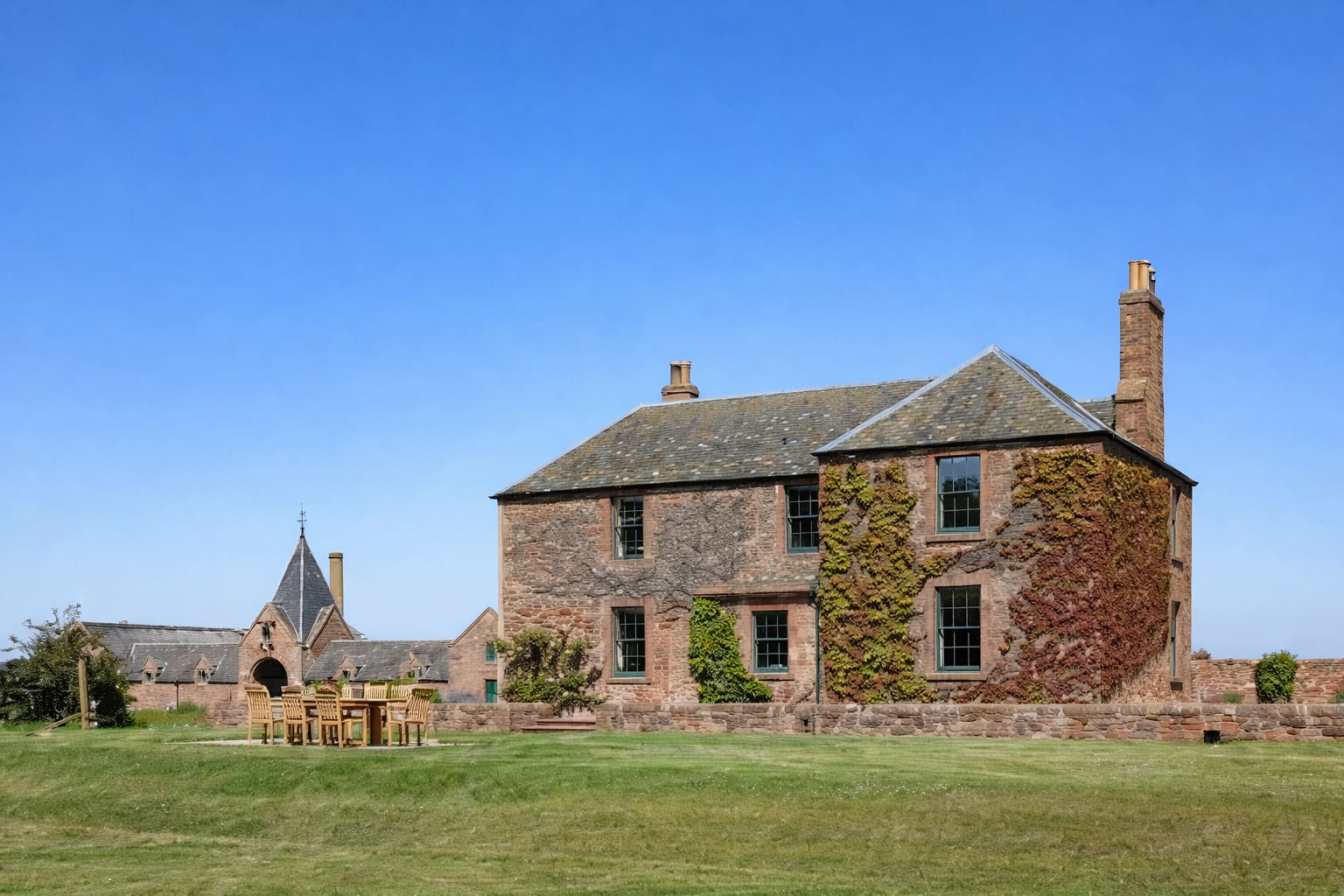
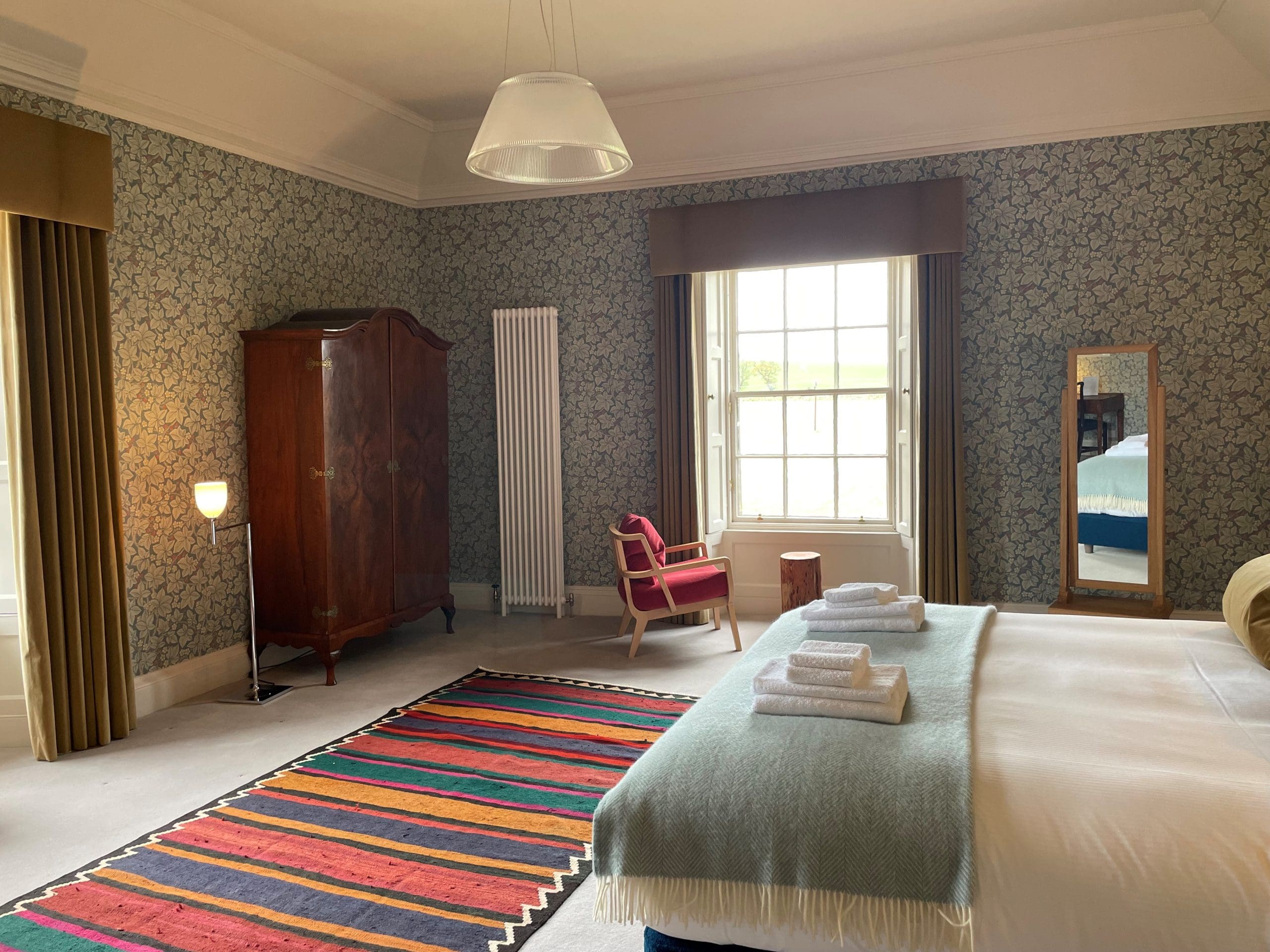
Commercial Wi-Fi for hotels, B&Bs and short lets
Hospitality Wi-Fi is its own discipline. It is not "home Wi-Fi for more people". Peak occupancy, guest expectations and licensing all change the brief.
The first thing we set up on every hospitality install is proper guest network separation. Guests sit on a captive portal with a daily refresh, a per-device bandwidth cap, and zero visibility into the back-of-house network. Owners and staff sit on the production network with the speed they actually paid for. This stops a single guest streaming a film in 4K from collapsing your booking system.
Coverage planning is different too. Hotel rooms are smaller boxes more densely packed than a home. We design around the worst-case room, not the average. We make sure outdoor terraces, breakfast rooms and reception are all on the same seamless network so guests do not have to log in twice.
We also build in capacity headroom. A Wi-Fi network designed for a busy Saturday night in August needs to comfortably handle the load on a quiet Tuesday in February without anyone tweaking anything. Capacity planning is cheap at install time and expensive to retrofit later.
Finally, the support model matters. We monitor every hospitality network we install.* Most issues we fix before the operator notices. The rest get a same-day phone call rather than a panicked email at 11pm on a Friday.*
*Available to clients on an active Hubbub maintenance contract.
What a Hubbub Wi-Fi project looks like
We do not believe in surprises during installs. Here is roughly what to expect.
Week one is the brief and survey. We walk the property, talk through what you want, run the heat map, and write a proposal that you can challenge. Nothing happens on site without your sign-off.
Week two is the design pass. We agree cable routes, access point locations, the cabinet position and the timeline. If we are working with a builder or architect, this is when the joint plan gets locked in.
Week three is install. Most homes take one to three days, depending on size and complexity. Hospitality sites take longer because we work around bookings. We tidy up at the end of every day so you can still use the rooms we have been in.
Day one of week four is the handover. We walk you through the system, show you the basics on your phone, set up your favourites and make sure you are comfortable. We come back two weeks later for a follow-up to catch anything that has come up in normal use.
After that you are on our support plan, with quarterly health checks and same-day response on anything urgent.*
*Available to clients on an active Hubbub maintenance contract.
Frequently asked questions
Will you need to lift floors or chase walls in my home?
Sometimes, but usually less than people expect. We plan cable routes through service voids, behind skirting and via existing chases wherever we can. In period properties we agree every route with you before anyone drills anything.
Can you work in a listed building?
Yes. We work in listed and period properties regularly. We agree routes and fixings with the conservation officer or architect first, and we keep installs reversible wherever possible.
How is professional Wi-Fi different from a mesh kit from the high street?
It is designed for your specific property rather than sold as a one-size-fits-all box. We survey first, plan cabling, place enterprise-grade access points where they will actually work, and segregate traffic across VLANs. Mesh kits work in some homes and not in others; we know which is which before we quote.
Do you support commercial sites and hospitality?
Yes. We design Wi-Fi for hotels, B&Bs, short lets, retail, offices and mixed-use properties across Edinburgh and the Lothians.
What happens if it goes wrong after handover?
We monitor the networks we install.* Most issues we spot and fix before you notice. The rest go to our support team and we respond the same day for anything affecting your ability to use the system.*
*Available to clients on an active Hubbub maintenance contract.
Thinking of adding smart home technology? Book a consultation to discuss your project.
A 20 minute, no-obligation consultation. We will give you our honest view on what fits your home.